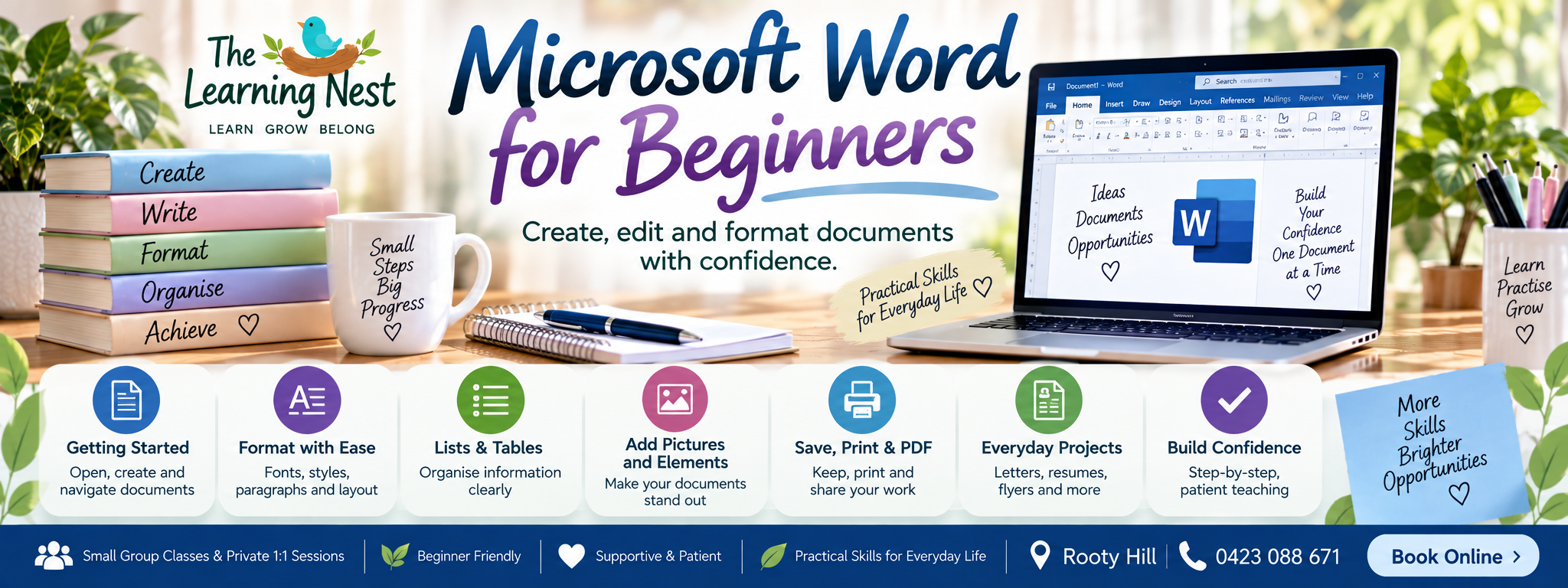
Create, edit and format documents with confidence.
Would you like to learn Microsoft Word but aren’t quite sure where to begin?
Microsoft Word for Beginners is a practical 10-week Adult Learning program designed for absolute beginners and anyone who would like to become more confident creating and working with documents.
At The Learning Nest, you don’t need to worry about keeping up or already knowing the basics. Learning is patient, practical and step-by-step, with plenty of opportunity to practise each new skill.
Whether you’re learning for everyday life, returning to work or study, refreshing skills you haven’t used for a while, or simply wanting to become more confident with technology, you are welcome to start from the beginning.
🌱 What you will learn……
Throughout the 10-week program, we’ll gradually explore:
- Getting to know Microsoft Word
- Creating and opening documents
- Typing and editing text
- Copy, cut, paste, undo and redo
- Formatting fonts and paragraphs
- Headings and document styles
- Bullets and numbered lists
- Page layout, margins and orientation
- Headers, footers and page numbers
- Creating and formatting tables
- Adding pictures, shapes and text boxes
- Creating everyday and workplace documents
- Saving and organising documents
- Printing and Print Preview
- Saving and sharing documents as PDFs
- Spelling, grammar and proofreading tools
💻 Practical, Real-life Learning……..
This isn’t a course where you simply sit and watch.
You’ll learn by actually using Microsoft Word and creating practical documents along the way.
Activities may include creating:
- Letters
- Checklists
- Weekly schedules
- Tables
- Notices
- Simple flyers
- Information sheets
- Simple resumes
- Everyday documents
By the end of the program, you’ll bring your new skills together to create a practical Word document of your own.
🌿 Who is this course for?
This program may be suitable if you:
- Have never used Microsoft Word before
- Have used Word a little but still feel unsure
- Want to improve your everyday computer skills
- Are returning to work or study
- Want to create letters, resumes or other documents
- Find document formatting confusing
- Want to learn how to save, print and create PDFs
- Prefer patient, step-by-step instruction
- Want time to practise without feeling rushed
No previous Microsoft Word experience is required.
💜 LEARN WITHOUT THE PRESSURE
Everyone learns differently, and there is no expectation that every learner will understand a new skill at exactly the same speed.
Questions are encouraged.
Skills can be demonstrated again.
There is time to practise.
Mistakes are part of learning.
The goal isn’t to race through Microsoft Word.
The goal is to help you understand what you’re doing and gradually become confident enough to use those skills independently.
🌱 YOUR 10-WEEK LEARNING JOURNEY
Week 1 – Getting to Know Microsoft Word
Week 2 – Editing & Managing Text
Week 3 – Formatting Text & Paragraphs
Week 4 – Bullets, Numbering & Lists
Week 5 – Page Layout & Document Setup
Week 6 – Creating & Formatting Tables
Week 7 – Pictures, Shapes & Text Boxes
Week 8 – Practical Documents for Everyday Life & Work
Week 9 – Saving, Printing, PDFs & Proofreading
Week 10 – Independent Project, Review & Confidence Building
🌿 Course Details……
Course: Microsoft Word for Beginners
Level: Absolute Beginner
Duration: 10 Weeks
Class Day: Tuesdays
Session Length: 2 Hours
Time: 5:30pm – 7:30pm
Location: Rooty Hill
Age Group: Adults
Course Fee: Adults — $70 per session
Learning Style: Small-group, practical and step-by-step learning
Experience Required: None – absolute beginners are welcome
💻 What to bring……
Where possible, please bring your own laptop with Microsoft Word installed and ready to use.
Learning on your own device can make it easier to continue practising your new skills at home between sessions.
🌱 By the end of the course…….
You should have greater confidence using Microsoft Word independently and understand how to:
✓ Create and edit documents
✓ Format text and paragraphs
✓ Organise information using lists and tables
✓ Set up document pages
✓ Add basic pictures and visual elements
✓ Create useful everyday documents
✓ Save and organise your work
✓ Prepare documents for printing
✓ Create PDF versions of your documents
✓ Use basic proofreading tools
Most importantly, you’ll have had plenty of opportunity to practise the skills rather than simply being shown what to do.
🌿 Where to from here?
Finished this program? Your learning doesn’t have to stop here.
Continue building your skills with another Adult Learning program at The Learning Nest.
Possible next learning steps include:
- Microsoft Excel for Beginners
- Computer & Digital Basics
- Internet, Email & Online Safety
I can help you choose a suitable next step based on the skills you’d like to continue developing.
💜 Ready to start learning?
You don’t need to know everything before you begin.
You simply need somewhere comfortable to start.
Join Microsoft Word for Beginners and build your skills one step at a time in a patient, friendly and supportive learning environment.
🌿 Learn • Grow • Belong
